New process for service orders in twinio
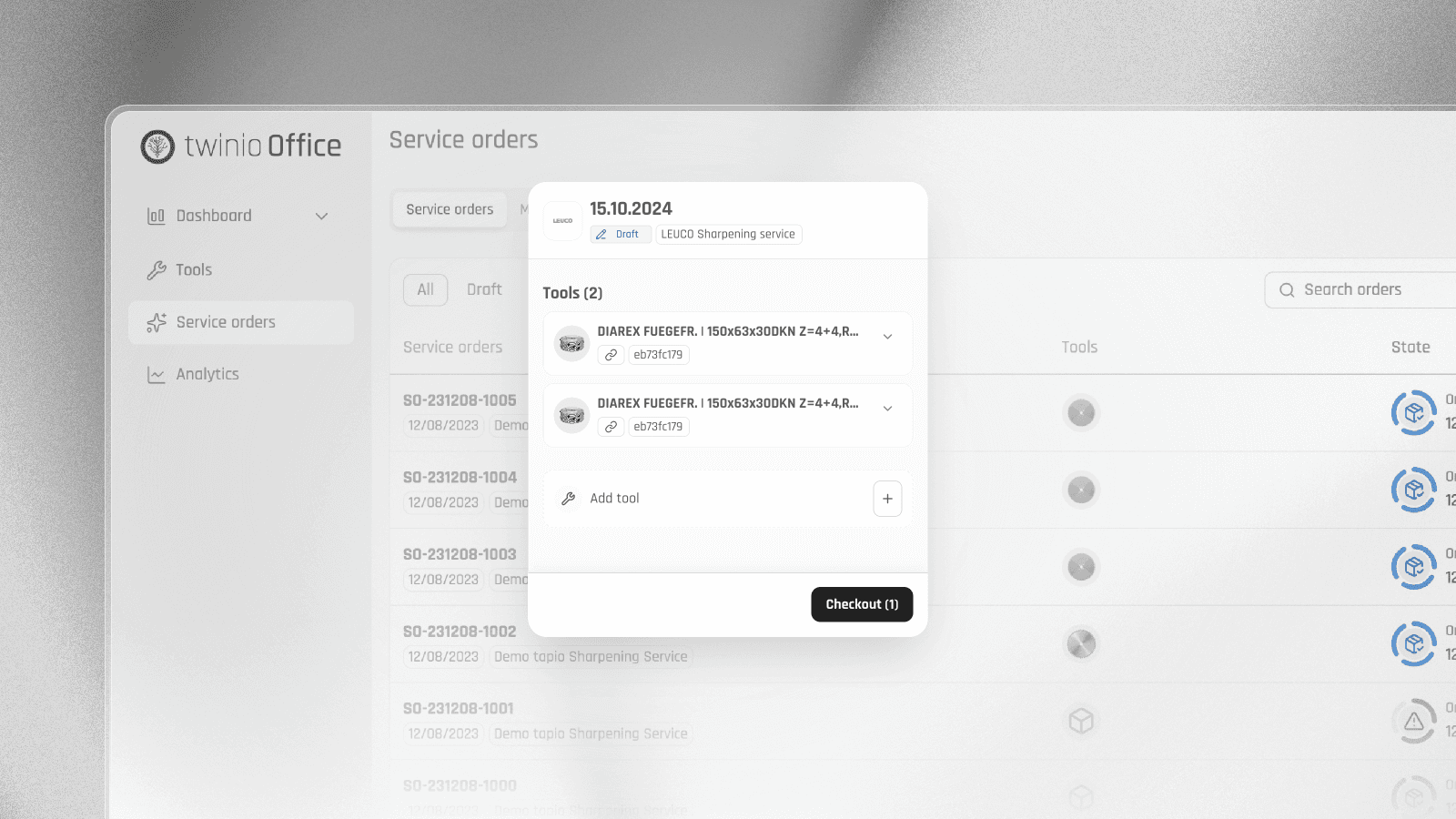
Starting now, you can find all your sharpening orders centrally in twinio under the "Service Orders" section. This applies both to manually created sharpening orders without an add-on and to orders created via a sharpening service.
The creation of sharpening orders has also been fundamentally revised. With the new process, you can first collect blunt tools in multiple drafts and then start a sharpening order bundled together.
You can now create sharpening orders directly under the menu item Service Orders. Individual tools can still be added directly from the tool overview.
All other functions, as well as existing sharpening orders created via a sharpening service, will remain intact.
Detailed instructions on the new process can be found in our Help Center.