Visibility of catalog items in twinio adjusted.
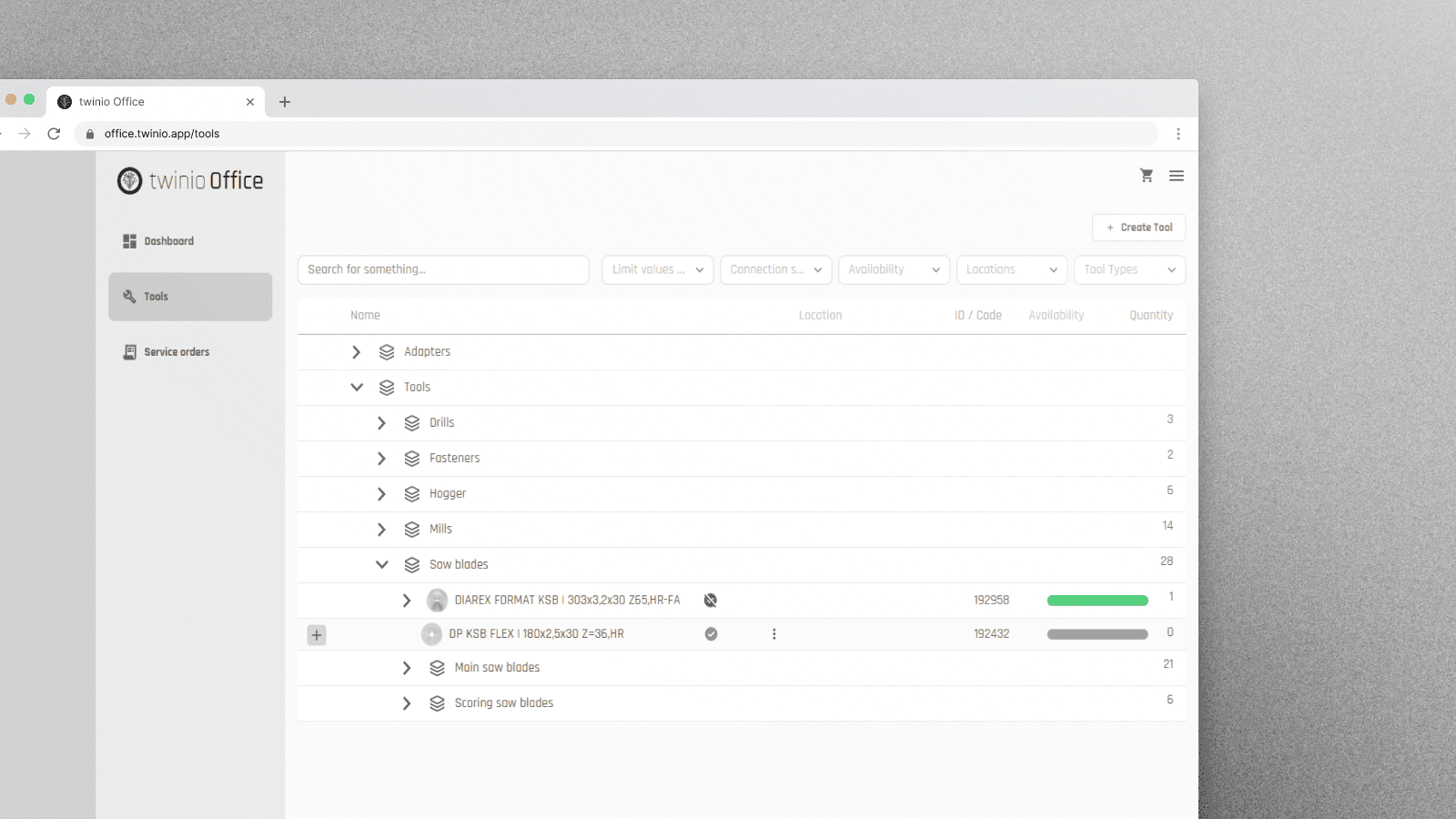
Previously, catalog items in the twinio tool overview were automatically hidden as soon as no individual tools remained. From now on, catalog items will remain visible, even if all associated individual tools have been deleted.
Users can still view and edit catalog items, and remove them selectively if needed. New individual tools can be added using the + symbol at the beginning of the respective row. This keeps the structure intact and allows the visibility of catalog items to be managed individually.