How can I enable or disable notifications for add-ons?
You can choose whether product-related notifications for paid extensions (add-ons) are displayed in the apps. Upon first login, a selection window will appear where you can save your preference. This setting can be changed at any time in My tapio.
To change the setting later:
Open the main menu in the respective app (or log in directly to your My tapio company account).
Click on
Manage profileIf you are coming from an app, you will be redirected to your user profile in My tapio.
Scroll to the section Product-related information and add-ons
Enable or disable the display via the toggle switch
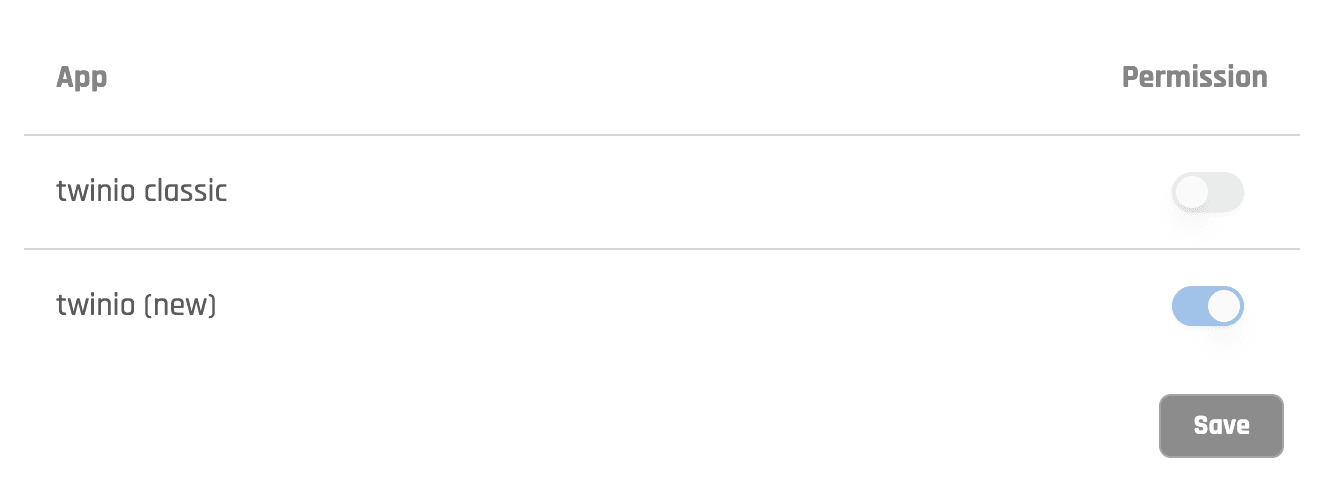
The setting is automatically saved and can be adjusted at any time.